An agent passes three products on its way to production. It is written and run in the iogentic harness. Pipesmith, a sub-brand of iogentic, builds, checks and stores it. iogentic runs it and sends the run record back.
The runtime pulls by digest and checks signature and verdict. It starts the agent only when the verdict is passed, and it writes a record of the run that development can read like a session.
Product
iogentic
Leaves the stage
Run record
1 of 5
Development
Harness
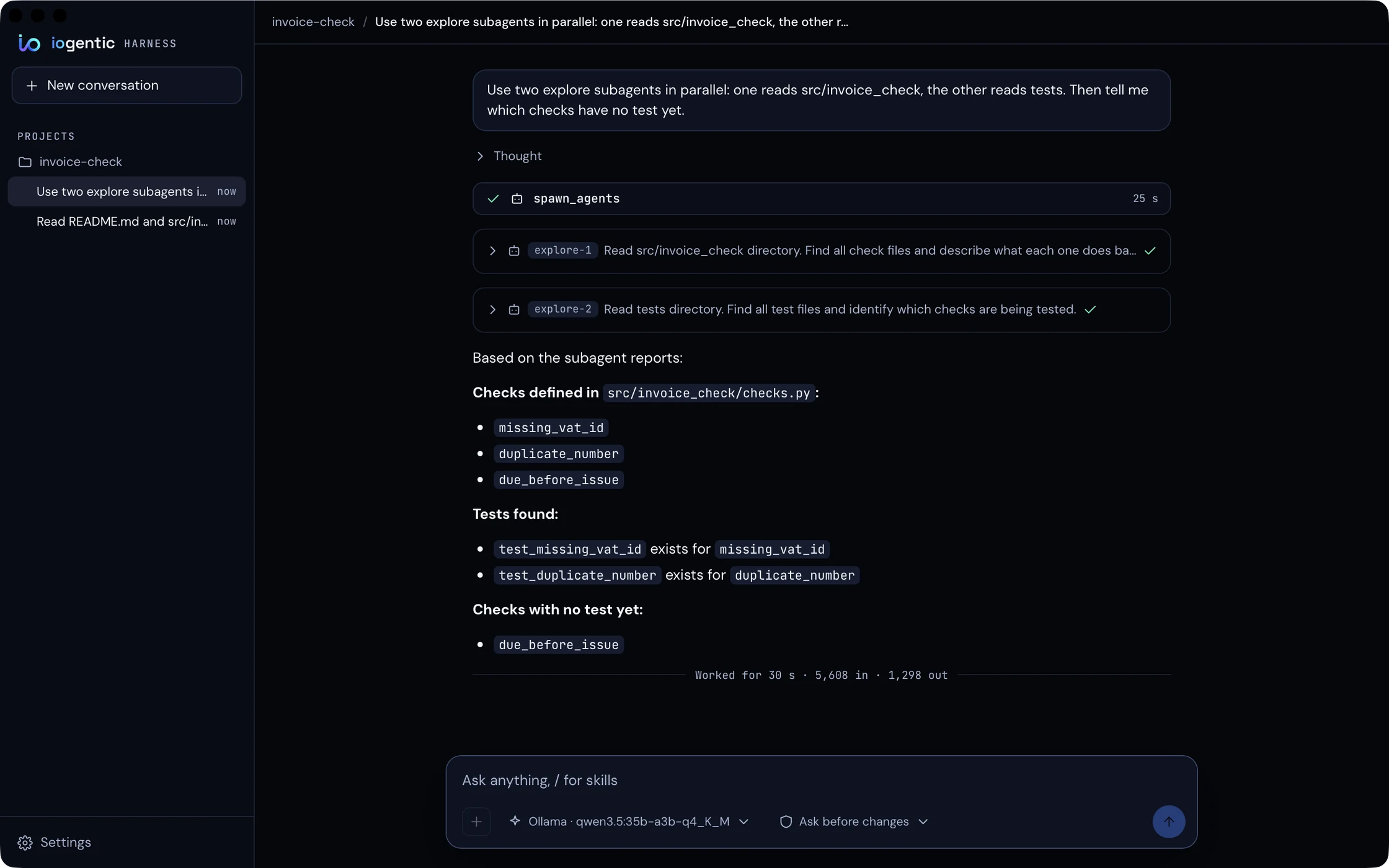
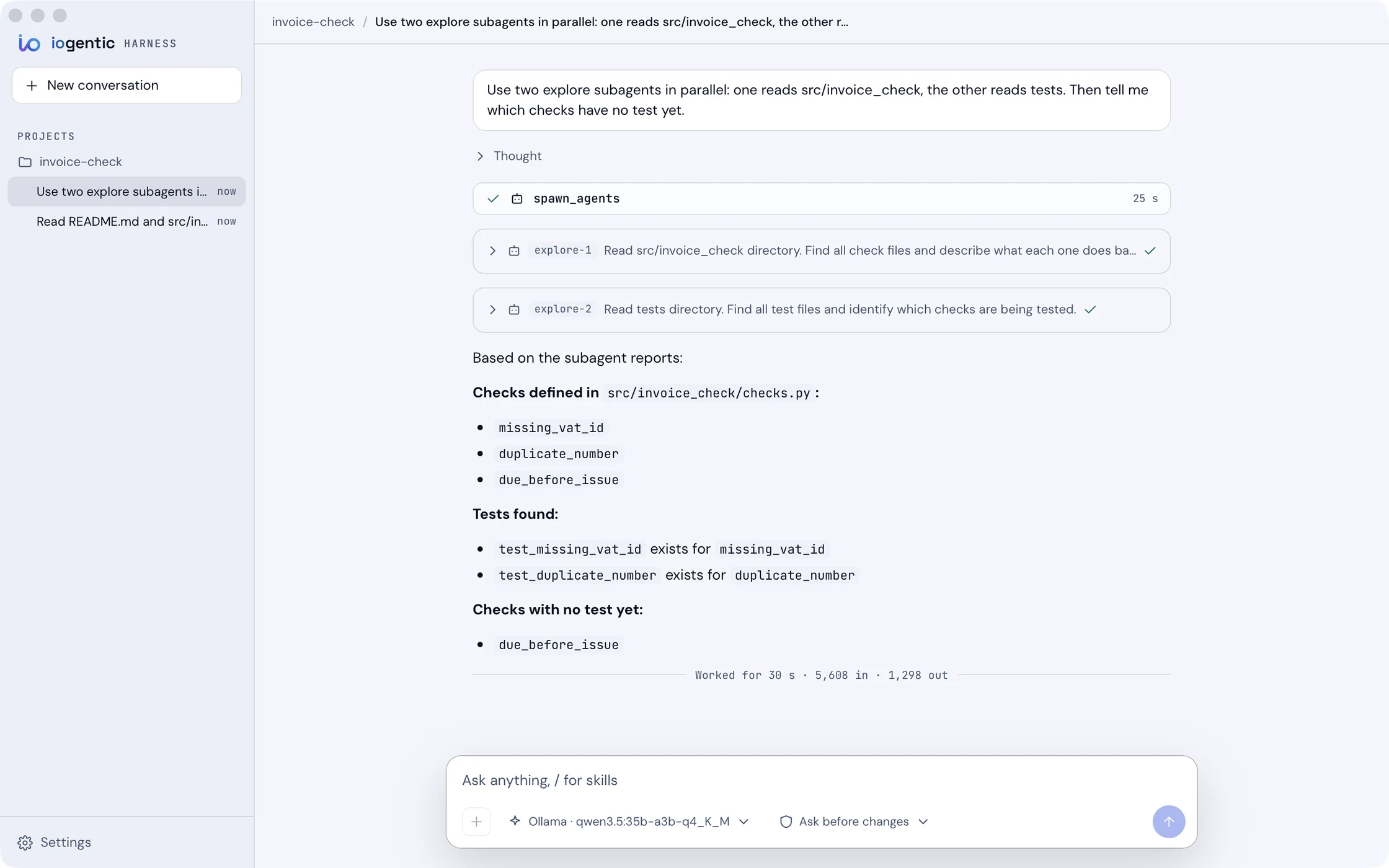
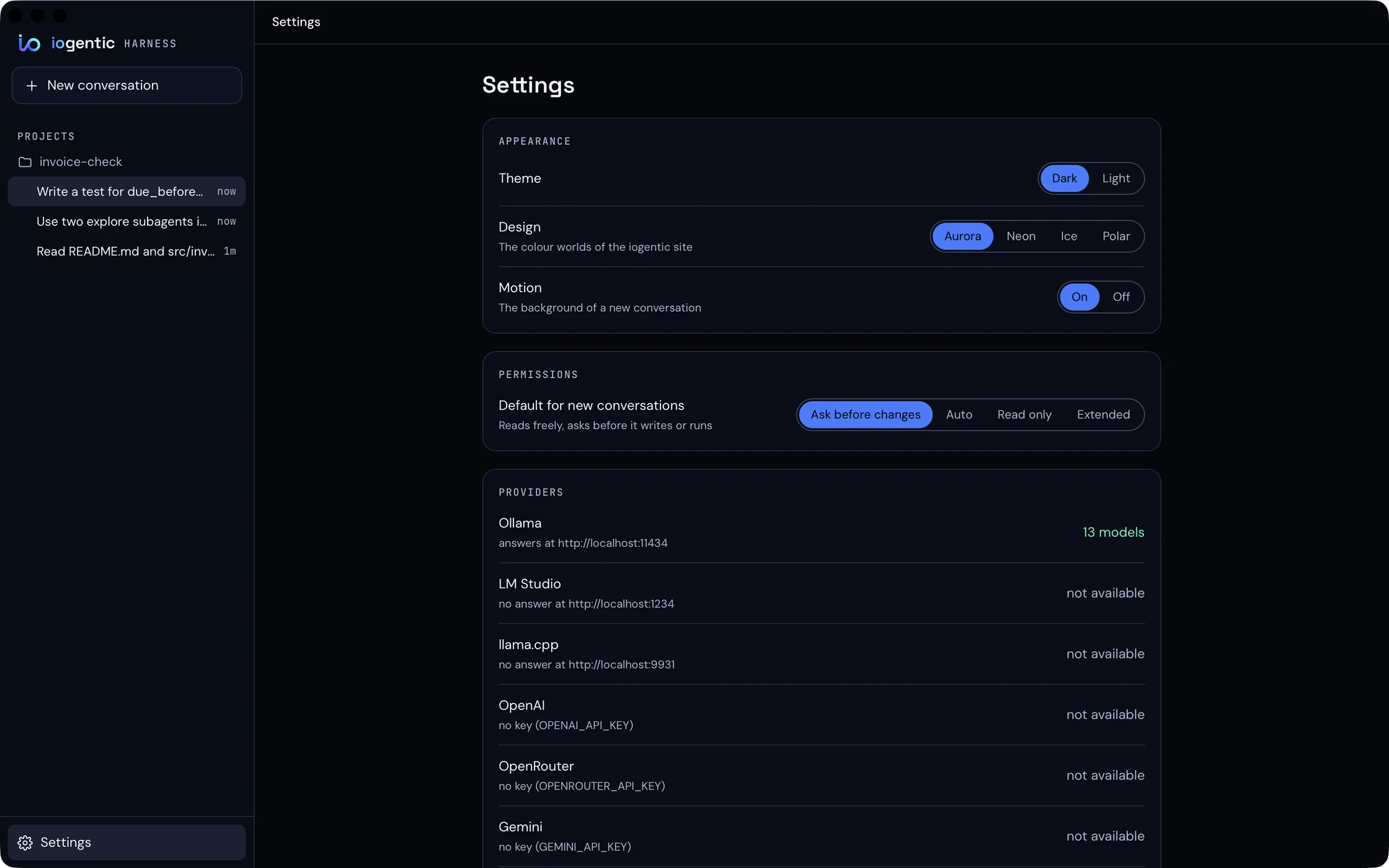
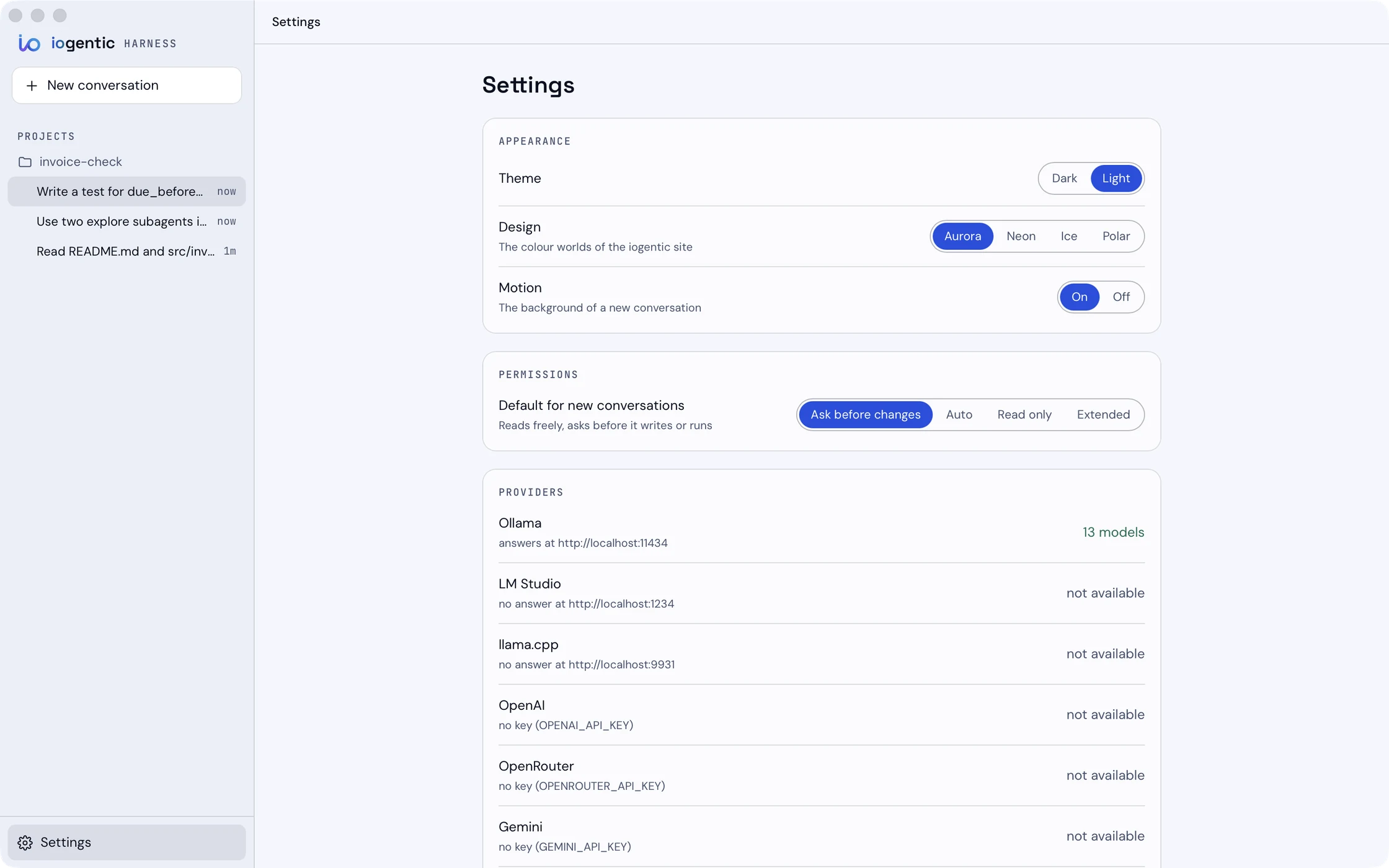
The iogentic harness is the app in which an agent is written and run. It is a native app, written in Rust, with one window. It works with local models and with hosted ones.
In development. The pictures show the app itself, with a demo project and a local model. It is not released.
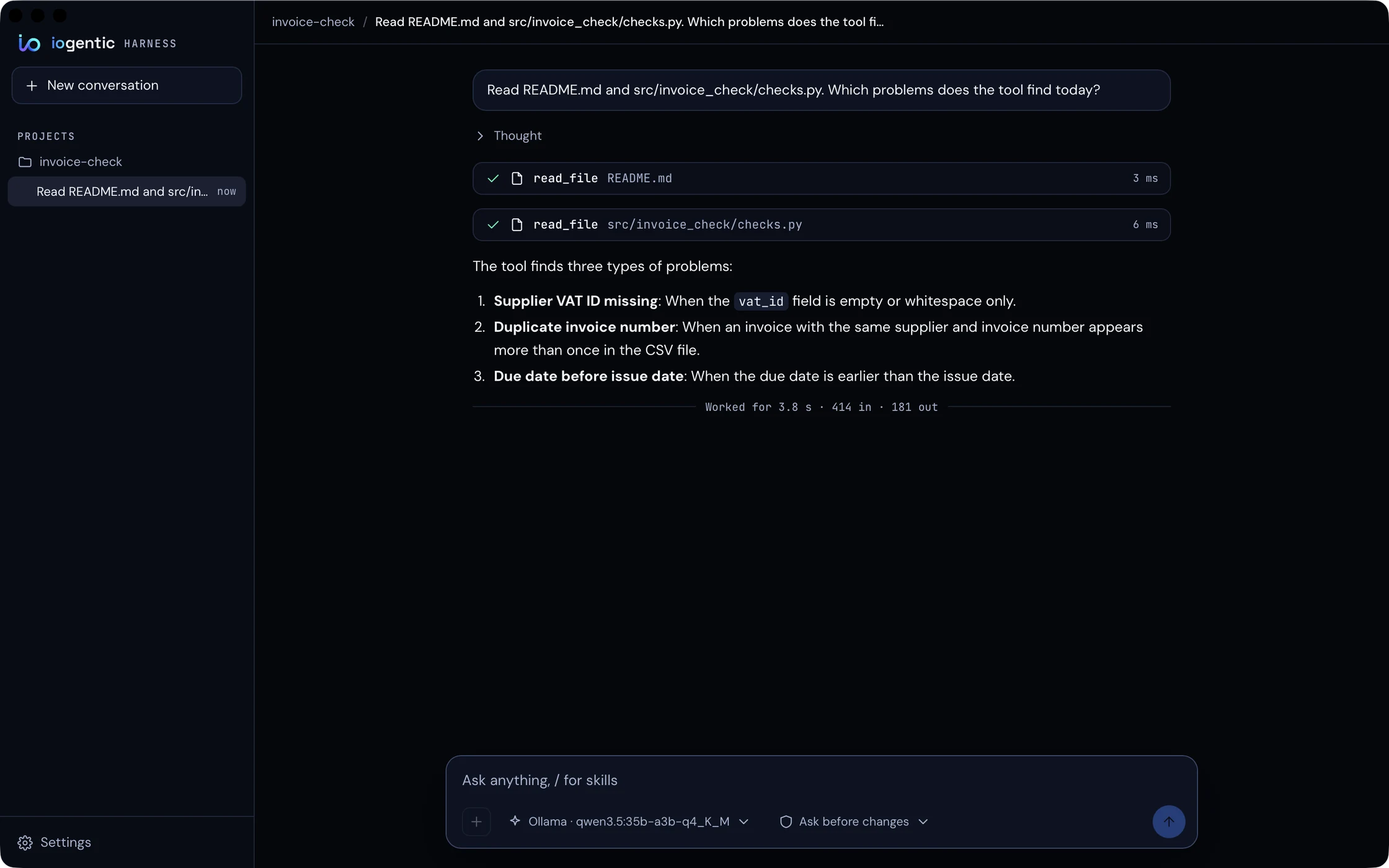
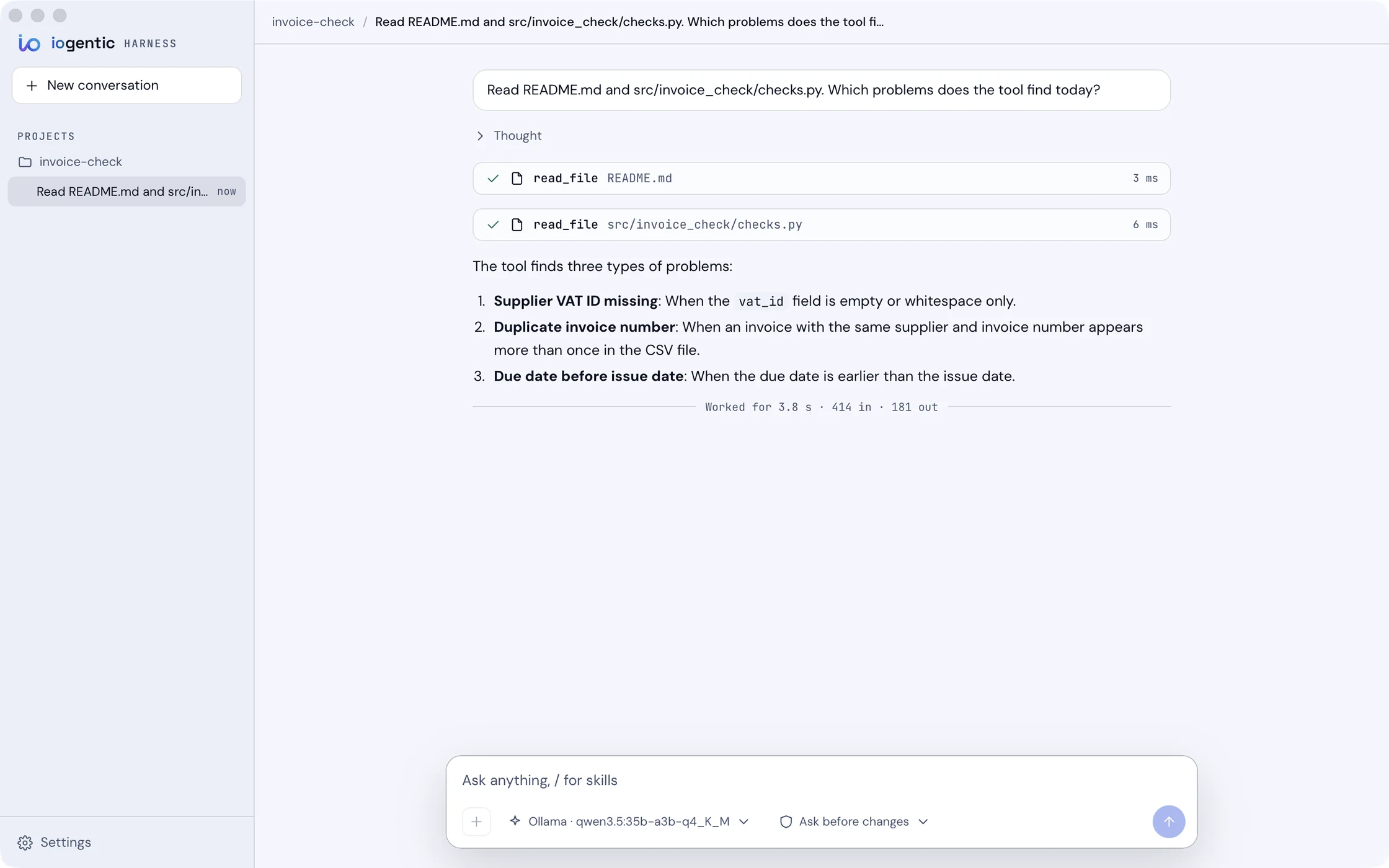
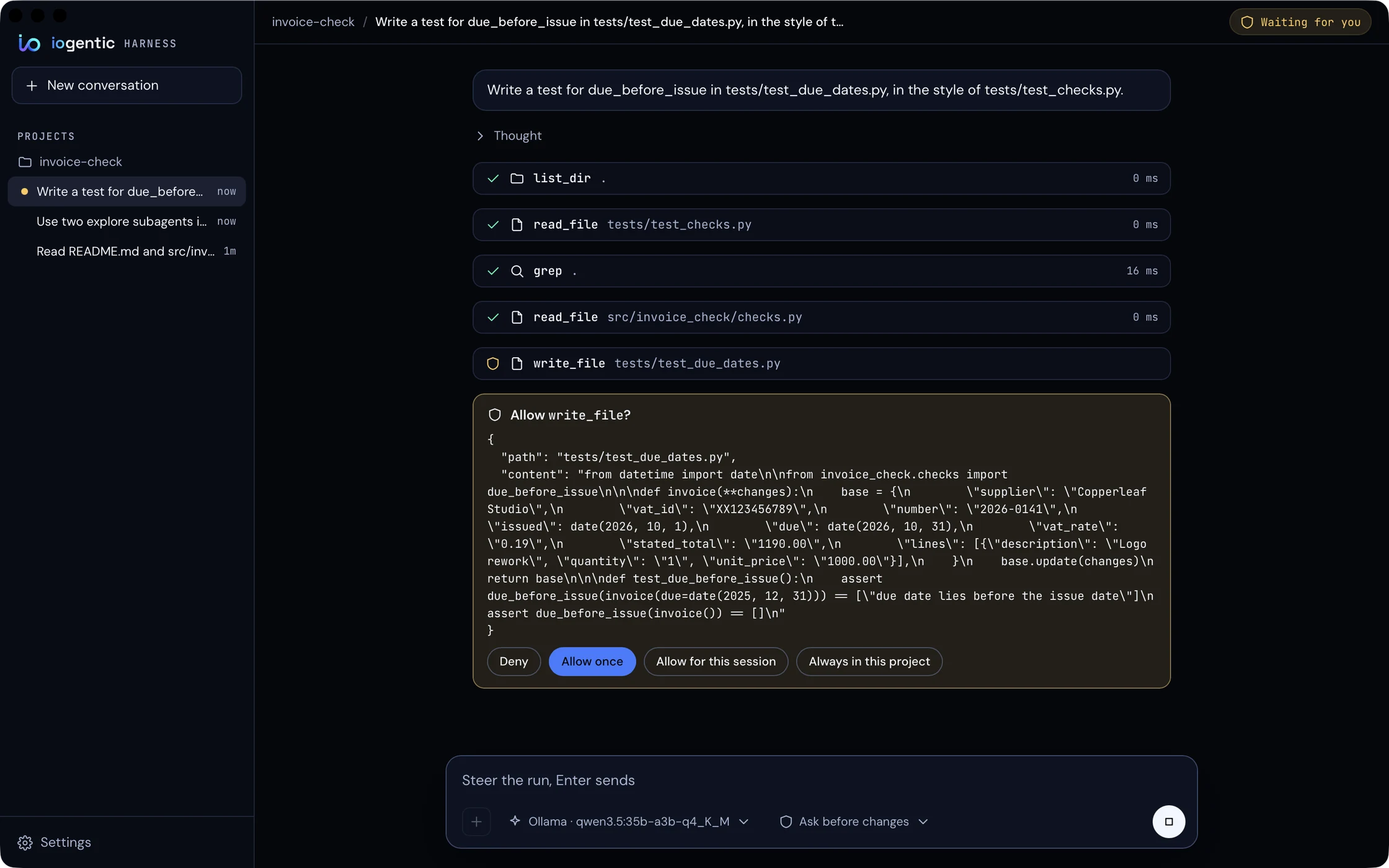
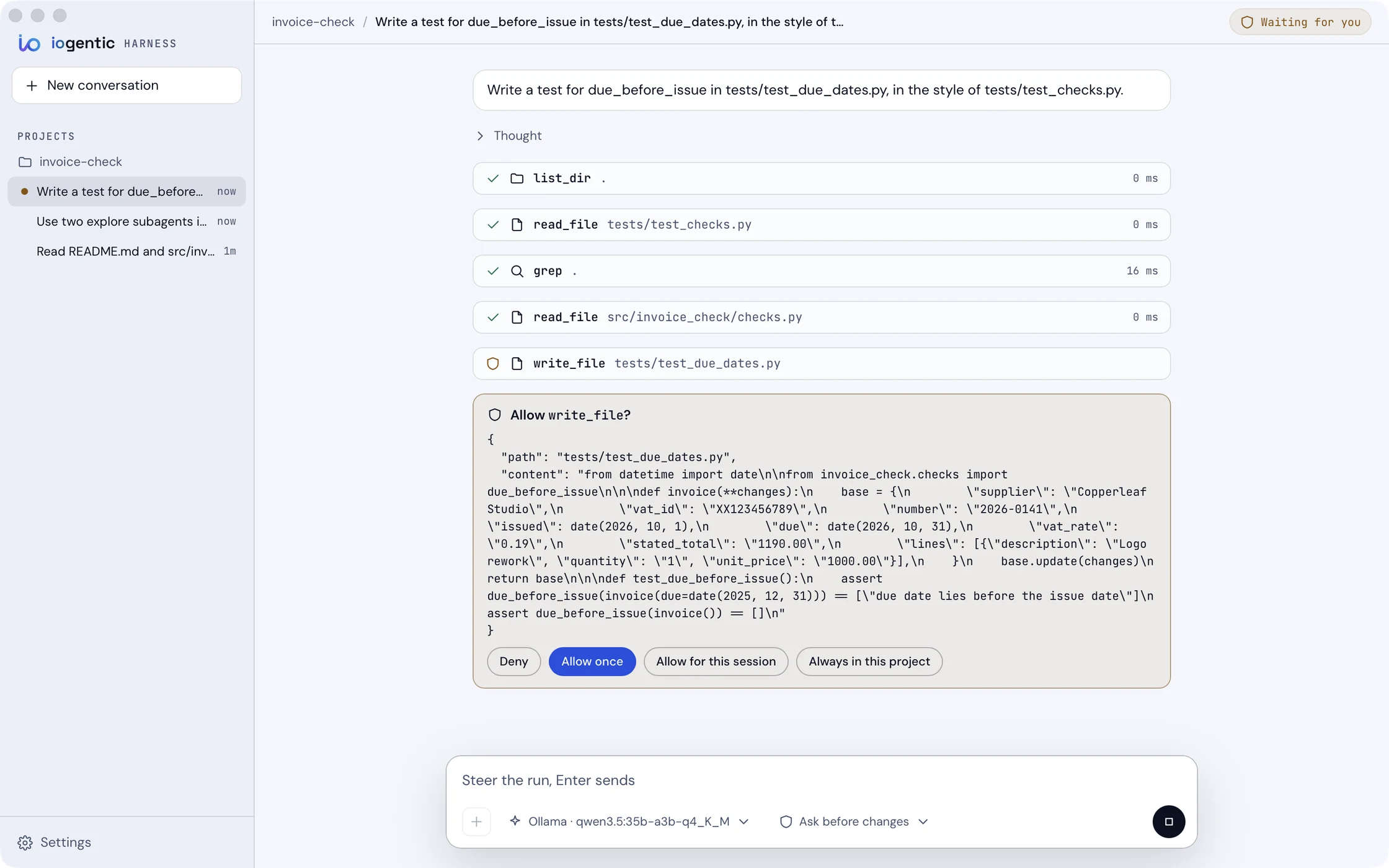
A finished run in the demo project. The agent read two files and answered. Every tool call is one line with its duration.The agent wants to write a file, and the harness asks first. The answer holds for this call, for the session or for the project.Two subagents read different parts of the project at the same time. The agent puts their reports into one answer.Theme and design follow this page. The default asks before the agent writes or runs something. Local model servers are found on their own, other providers need a key in the environment.
Release gate
The release waits until every case passes.
A demo usually shows the good path once. Before a release, the agent has to pass every scenario we collected with you, and it runs them again after every change.
Harness Engineering
A harness turns an agent into something you can test. We write scenarios from real cases, run the agent against them, keep every trace, score the result against a rubric and fix what fails. The gate stays closed until the score holds.
Scenarios
Real cases with a known good outcome, including the ugly ones.Example: an application with one page missing.
Evaluations
Automated runs that score the agent on every scenario after every change.Example: 24 scenarios, run after each change to a prompt.
Traces
A record of each step, tool call and source, kept for review and replay.Example: which rule the agent cited, and where it found it.
Guards
Limits on scope, data and actions, enforced in code outside the model.Example: the agent may read the file share and may not send mail.
Replay
Run a past case again on a new version and compare the two traces.Example: last month's case, run again on the new version.
Permissions
Which tools the agent may use, on which data, and when it has to ask.Example: write access to the draft folder only.
The harness loop: scenarios, run, score, fix, and a gate that needs every case
Scenariosreal casescase 017: plan missing
Runevery change, every case
Scorethe gate needs all of them23 of 24 pass
Release gateclosed
Fixthe case that failed
becomes a scenario
Illustration. One failing case out of 24 keeps the release gate closed. After the fix, that case stays in the set for every later run.
Design, not built
Runtime
Six functions make up the runtime in this concept.
Start
iogentic pulls an artifact by digest and checks its signed verdict. An agent without a passed verdict does not start.
Sandbox
Each run gets its own workspace. Network access follows an allow-list, and time and resources have limits.
Checkpoint
When a rule asks for a person, the run saves its state and waits for the signature. It resumes from the saved state, so a long wait costs no rework.
Trace
Every step, tool call and model call is one event on one stream. The stream is the record of the run.
Replay
A recorded run can be played against a new version of the agent. The differences show before the new version is adopted.
Routing
The model is chosen per step. Local and hosted models sit behind one interface, so the operator decides where the data goes.
Simulation, sample data
Run
This is how a run would look. The agent, the invoice and the supplier are invented. No model is called and nothing is sent.
Pull
Verify
Sandbox
Work
Checkpoint
Record
State: idle
No events yet. Press Start or Step.
Run Record Sample dataPending
Run
pending
Artifact
pending
Digest
pending
Verdict
pending
Events
0
Tool calls
0
Model calls
0
Signatures
0
Made to measure
A digital brain for one job in your organisation.
We want to build for mid-sized firms and public bodies in Germany. We start from your forms, your rules and the cases your team handles every week. Then we build the smallest agent that does that one job, and we test it on those cases.